In today’s digital age, storytelling has transcended traditional media, finding a new canvas in the world of videos. With the rise of platforms like YouTube, TikTok, and Instagram, anyone can become a storyteller and share their narratives with the world. However, the journey from capturing footage to crafting a compelling story requires a powerful ally: video editing software. For beginners stepping into this realm, three standout options hold the potential to transform their stories into captivating visual experiences: Filmora, iMovie, and Premiere Pro.
3 Best Video Editing Software for Beginners
With a smartphone and the right video editing tools, almost anyone can create high-quality, professional-level videos. However, there are numerous tools available on the market. How do you find the best video editing software for a beginner? With this list, we’ve got you covered! Whatever you want to edit—ads, social media videos, short films, or even a full-length film—finding video editing software that has all of the features you need while remaining user-friendly can be difficult. If you stick to the video editing software options on this list, you’ll find a great tool that’s simple to use, compatible with your existing hardware and software, and provides the features and support you require at a reasonable price.
One out-of-the-box AI content generation tool is Submagic, which helps create engaging YouTube titles, subtitles, and captions, as well as helps edit YouTube shorts, Facebook reels, and TikTok shorts with AI. With an auto subtitle generator, you can maximize the chance of your content being viewed through engaging taglines and thumbnails. Now, automatically create compelling video subtitles for your YouTube shorts and Facebook reels.
1. Filmora: Unveiling Creativity with Simplicity

Filmora not only simplifies the editing process but also fosters inclusivity in storytelling. Its accessibility empowers individuals with limited experience to communicate effectively, allowing vloggers, influencers, and filmmakers to share their unique perspectives.
Top features:
- User-friendly Interface: A seamless editing experience with intuitive drag-and-drop functionality.
- Wide Template Variety: A diverse range of presets and templates for stylish video edits.
- Effects and Transitions: Easily add special effects, transitions, and text overlays to enhance storytelling.
Platform Compatibility: Windows and macOS
2. iMovie: Empowering Creativity within the Apple Ecosystem

iMovie’s impact is deeply rooted in its integration with the Apple ecosystem. This seamless connection enables aspiring creators to unlock the potential of their devices, ultimately fostering a diverse tapestry of narratives that mirror the richness of human experiences.
Top features:
- Seamless Integration: Utilize Apple devices to capture, edit, and share videos effortlessly.
- Hollywood-style Trailers: Craft professional-looking trailers with pre-designed templates.
- Audio Enhancements: Add background music, voiceovers, and sound effects for immersive storytelling.
Best video editing software for beginners in 2025: Easy to use video editors for all
By Steve Clark last updated May 6, 2025
We tested out the top picks for really simple content creation and learning how to use the software
When you purchase through links on our site, we may earn an affiliate commission. Here’s how it works.
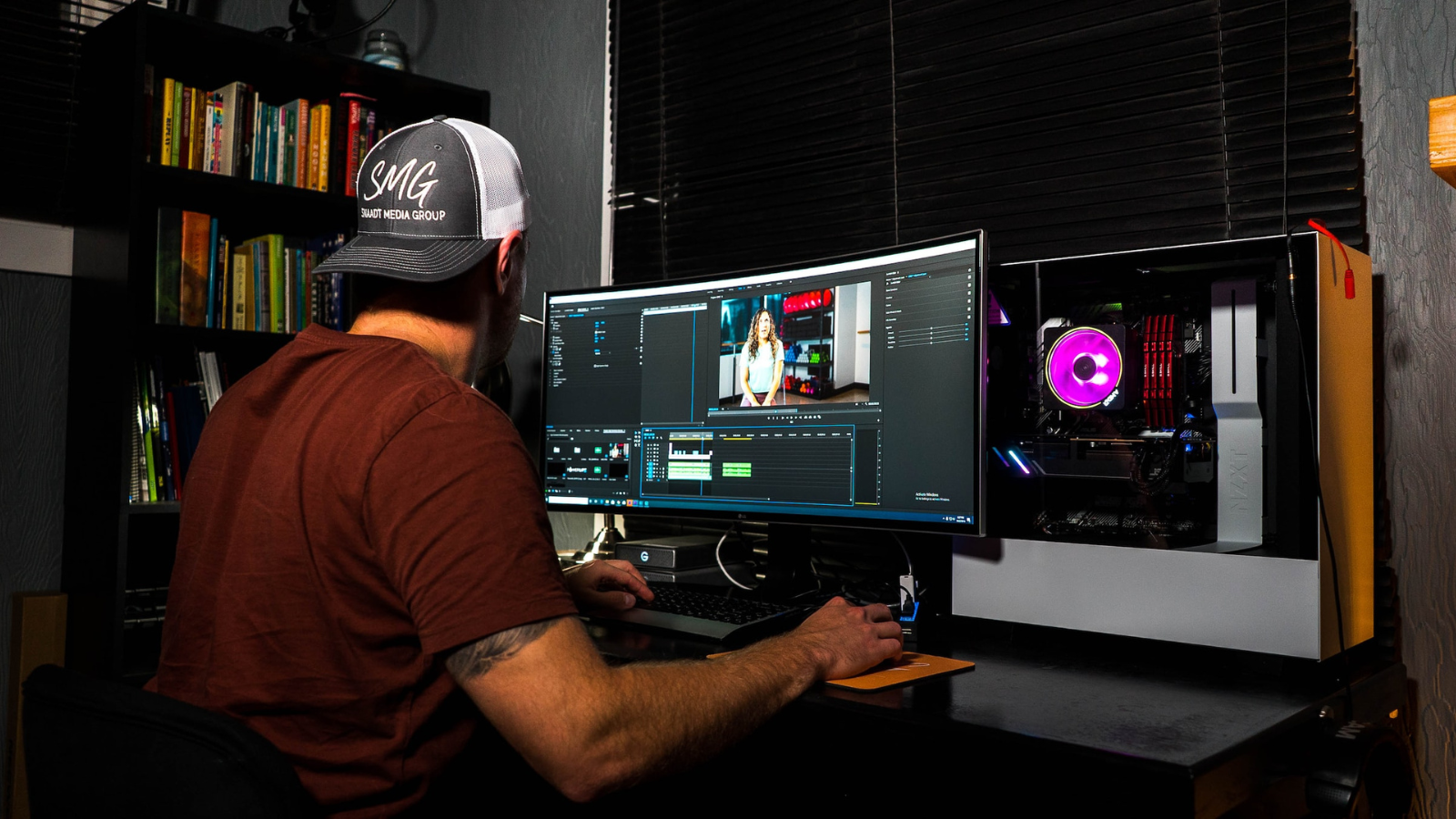
(Image credit: Unsplash / Ryan Snaadt)
Jump to:
- Best overall
- Best for free
- Best for basics
- Best for social media marketing
- Best on a budget
- Best for Mac
The best video editing software for beginners takes the mystery out of editing anything from social media clips to feature-length films. For me, that’s all about making the process streamlined and simple – without removing all the essentials tools you need to add post-production polish to your latest project.
For years, I’ve worked with video editors, and my team and I have tested out everything from the best free video editing software and the best video editing apps to the best video editing software for creative professionals and content creators. When it comes to beginner-friendly software, what I want to see is a clean, intuitive interface and workflow that helps you understand how to cut content, even if it’s your first time using one.
With that in mind, I really rate CyberLink PowerDirector. It’s simple enough to get started, but offers a host of professional-style tools and features to help your content really shine. For the price, it’s a great pick, especially if you want to learn the intricacies of editing and go professional. You can check out my thoughts below, alongside some of the best options I’ve used that are very suitable for any skill-level and use, from software perfect for YouTube content to social media marketing and movie-making.
Recent updates
Update: No major updates in my latest update, but I’ve tidied up some of the entries and checked pricing and features are correct.
Best video editing software for beginners overall
Image 1 of 4
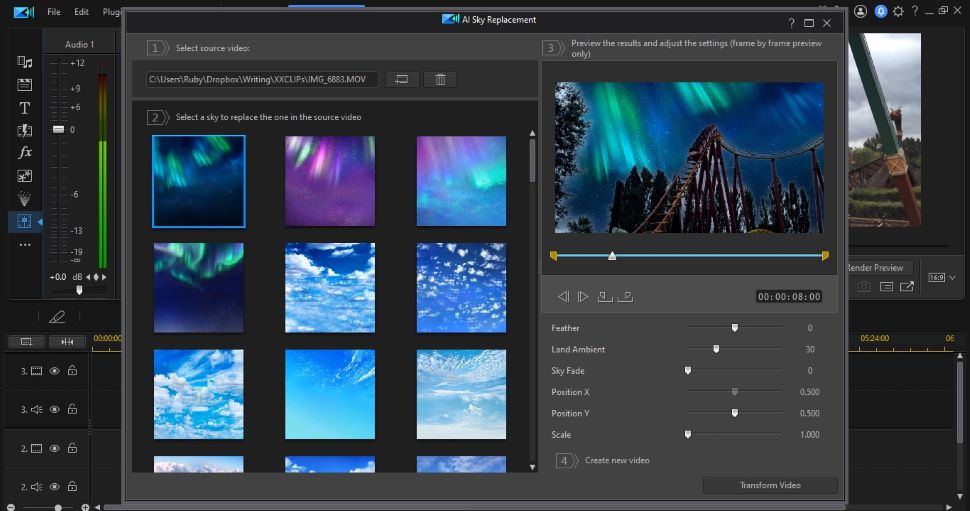
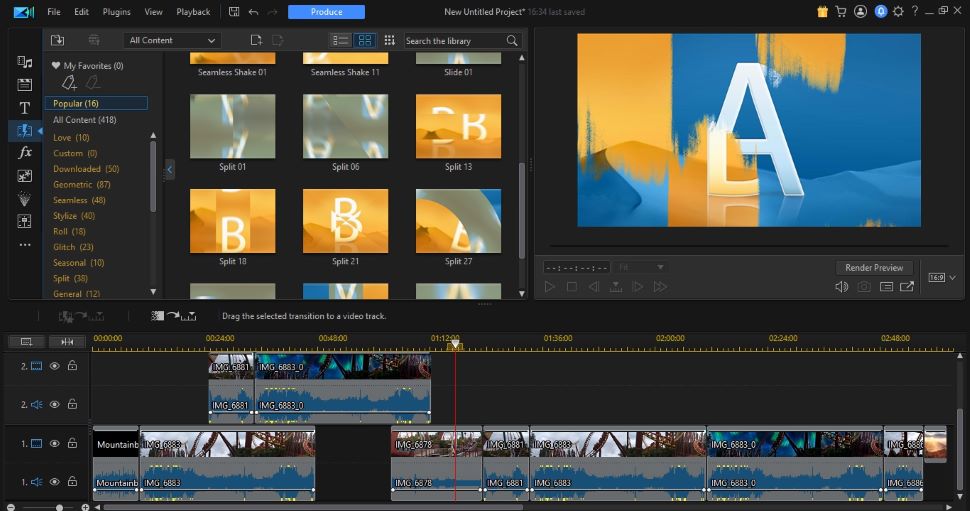
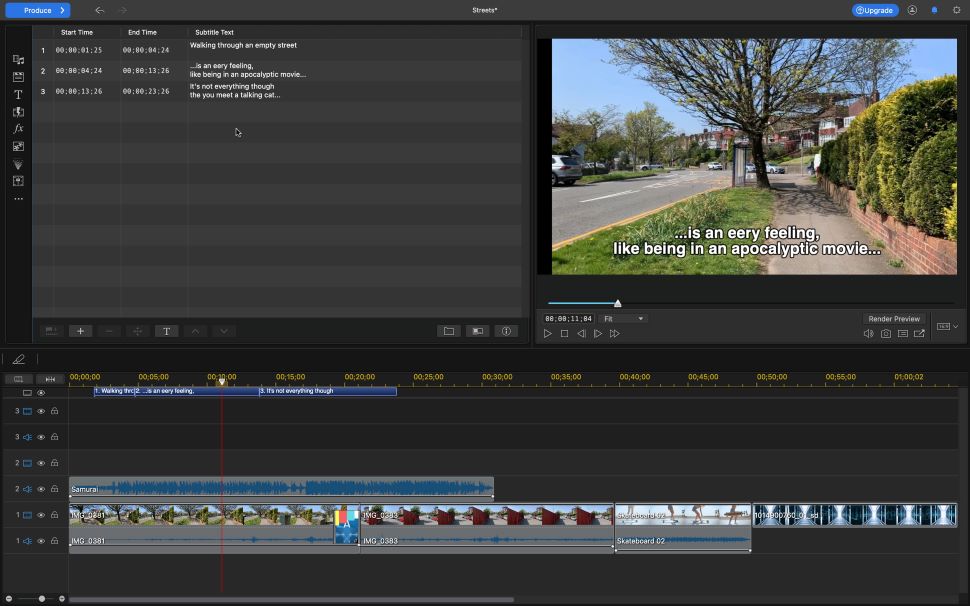
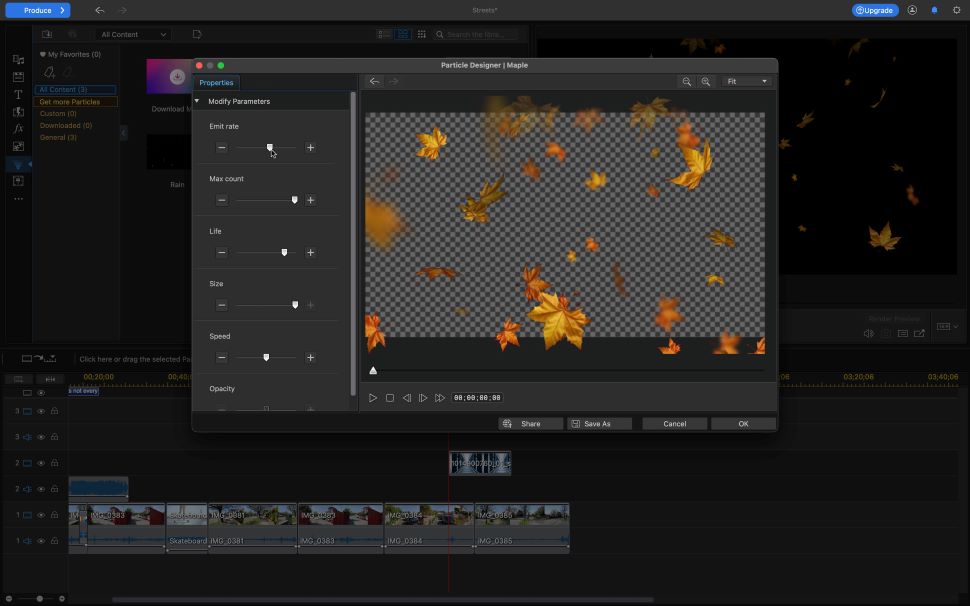
1. CyberLink PowerDirector
Perfect for novices and experienced video editors
Specifications
Operating system: Windows, Mac
Today’s Best Deals
Cyberlink PowerDirector 365$19.99/mth
Cyberlink PowerDirector 365 for Mac –$19.99/mth
Powerdirector 365$54.99/year
Visit Siteat CyberLink
Reasons to buy
+
Sleek interface+
Bursting with features+
Surprisingly easy to use
Reasons to avoid
–
The Mac and PC version don’t appear to be exactly the same-
Mac only has the subscription option
Buy it if…
Why you can trust TechRadar We spend hours testing every product or service we review, so you can be sure you’re buying the best. Find out more about how we test.
✅ You’re a beginner or a pro: We found PowerDirector delivered the ideal balance of tools and a simple-to-use interface that makes it a good pick for those just starting and professionals who just need to make quick cuts up to 4K.
✅ You want multiple payment options: One reason I champion PowerDirector is the payment options – you can subscribe monthly or buy a perpetual license for a one-off cost. There are trade-offs with either, but I think this flexibility is important, especially for newcomers. There’s even a free version that lets you try out core features.
✅ You want to edit across devices: Alongside Windows and macOS compatibility, PowerDirector is also available on iOS and Android mobile devices, so you can create content across all your devices.
Don’t buy it if…
❌ You want super-easy video editing: Technically, this app is for prosumers, so there is a mild learning curve. However, when we tested it, we found the interface so welcoming and relaxed that it’s very suitable for learning how to edit videos if you’re a beginner. And there are loads of tools to help you learn.
❌ You don’t want to pay: Ok, you can get a free version for your desktop, but we found it lacking in most areas, so treat this as a trial version, rather than a free, fully featured app.
❌ You predominantly work on Macs: We noticed there are a few differences comparing the Windows and Mac versions of this software – not many, and the interface is the same, but if you need features like multi-cam editing, look elsewhere.
What we thought
CyberLink PowerDirector has continually impressed us during reviews, and whether you’re editing on computer or mobile device, you’ll find it absolutely bursting with features and tools that help your video productions look even more professional. And yes, there’s AI on hand to help you out, too, which worked well in our tests.
Read our full CyberLink PowerDirector review
- ^ Back to the top
Best beginners video editing software for free
Image 1 of 4
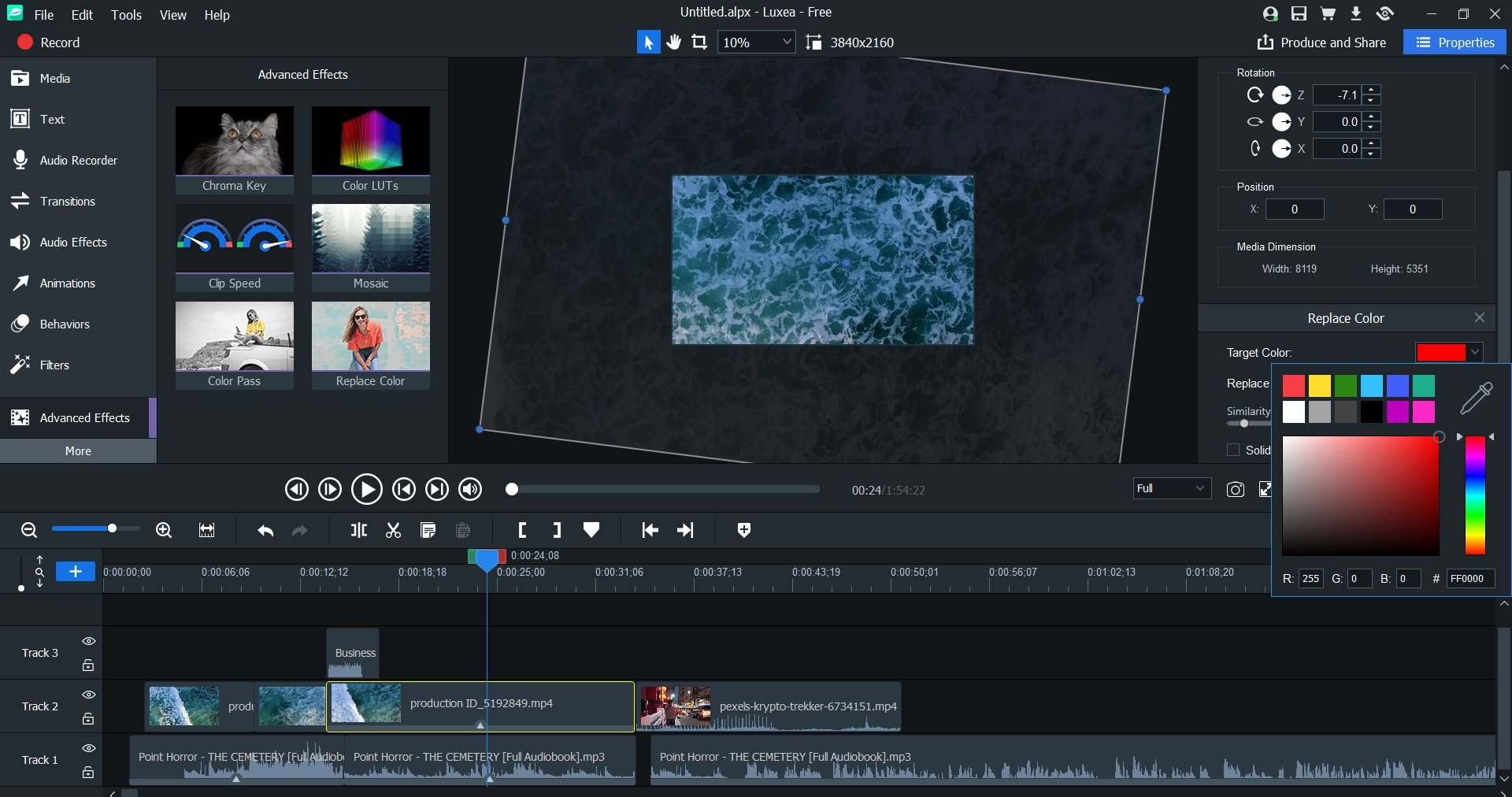
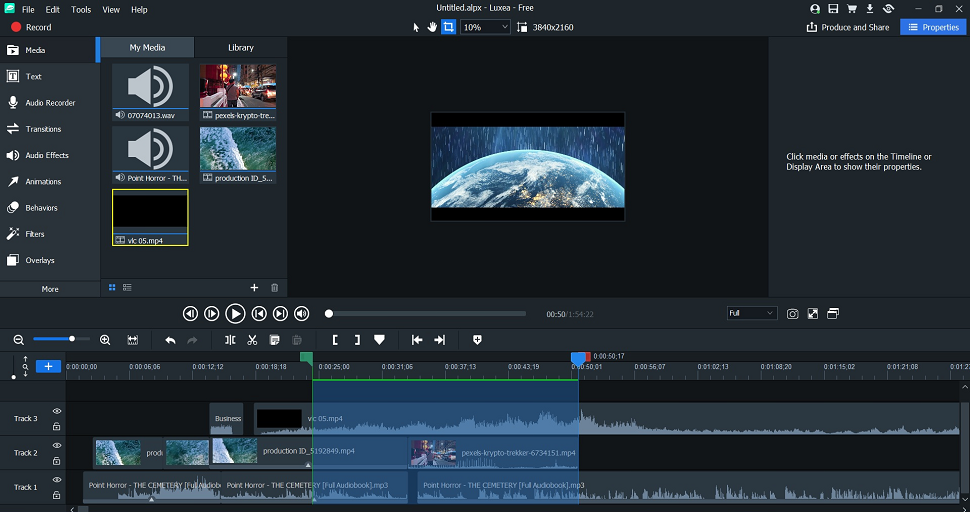
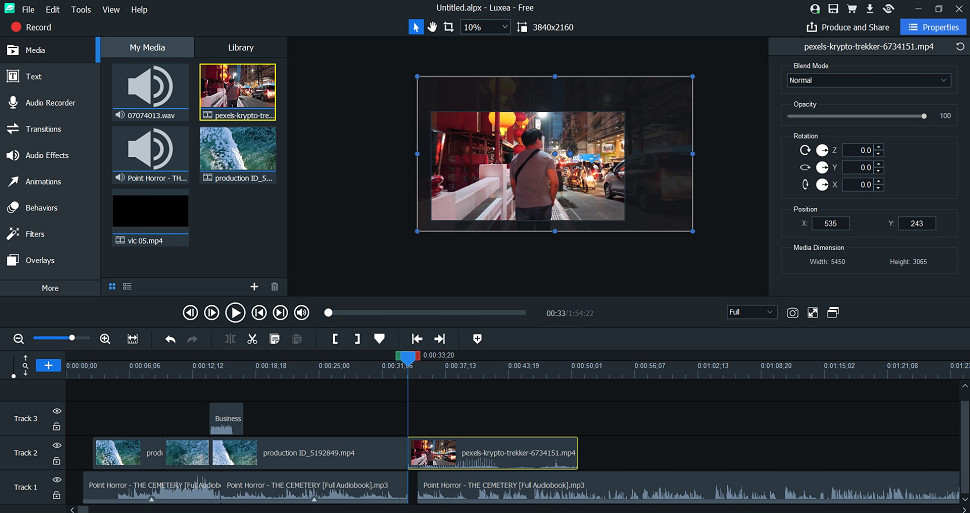
2. ACDSee Luxea Video Editor
Low system requirements but still fully featured
Specifications
Operating system: Windows
Today’s Best Deals
ACDSee Luxea (Individual Plan)$29.99/year
Visit Siteat ACDSee
Reasons to buy
+
Free and fully featured+
Delightfully easy to use+
Packed with plenty of editing tools+
Selection of VFX tools+
No watermarks
Reasons to avoid
–
Free version adds Luxea intro & outro-
Windows only-
No direct cloud support
Buy it if…
✅ You’re on a budget: There are two types of video editors offered by ACDSee – a free version and a Pro version, which is pretty is well-priced if you need a little more power for your projects. Watch out for discounts here – I’ve seen prices drop up to 70% off.
✅ You want a fully featured tool: When I reviewed the free version of Luxea, I was impressed with just how much there was going on here, including filters and keyframing. If you upgrade to Luxea Pro, you’ll find those features there, too.
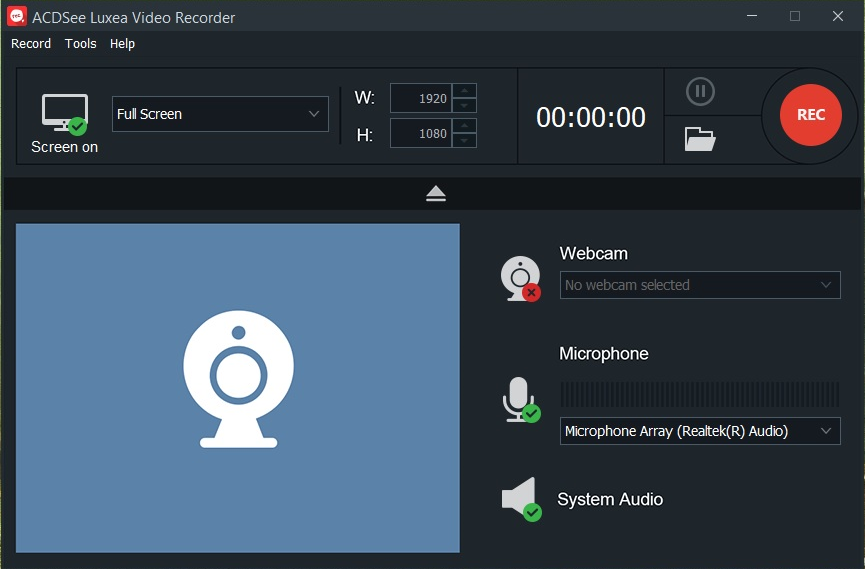
✅ You want to record your screen: One of Luxea’s best features is its built-in screen recorder, which lets you record your desktop or via your webcam, and works incredibly well. Ideal for webinars and recording presentations, and meetings.
Don’t buy it if…
❌ You need high-resolution exports: The main disadvantage with the free version is that video exports are capped at 1080p. That’s likely fine for beginners, but to avoid this, opt for Luxea Pro, which allows projects up to 4K resolution.
❌ You want to avoid watermarks: Another trade-off I found when reviewing this software is that the free version automatically adds a Luxea watermark to the intro and outro of your videos. Not ideal, but if you’re just looking to learn how to edit videos, it shouldn’t prove too much of a problem.
❌ You’re on Mac: System requirements for using Luxea are surprisingly low, but that’s only on Windows devices. There’s currently no support for Mac computers and laptops, which is a shame.
What we thought
For anyone with a low-spec computer or those who want a free option, ACDSee Luxea is a great pick – I used a clunky old HP laptop with an integrated graphics card and could still easily edit videos without too much hassle. I like the inclusion of a screen recorder, and the interface makes everything very easy (even fun) to use. The free version is a good pick for learning the basics. However, there’s no denying that the Pro version is the better product, especially if you need videos at more than 1080p.
Read our full ACDSee Luxea Video Editor review
- ^ Back to the top
Best video editing software for beginners for basics
Image 1 of 4